Why Protecting Your Email Helps Protect Your Money, Identity, and Online Accounts
By Saffron Guru • Oct 15, 2026 • Email & Account Security
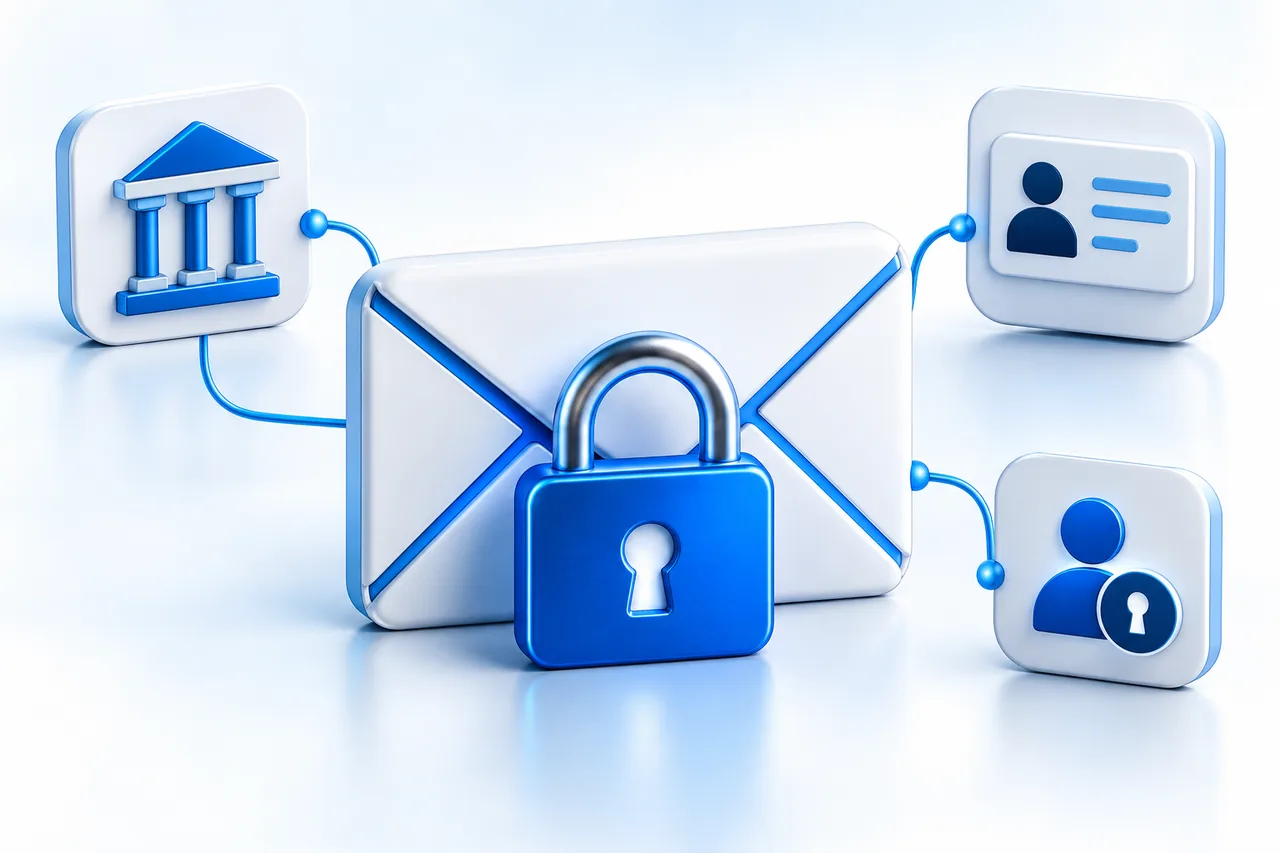
Your email account holds a detailed record of your life, and it is often the key that unlocks every other account. Here is how to lock it down: its own password, a second sign-in check, recovery details you control, and a habit of verifying payment changes.
Think about what arrives in your inbox in an ordinary week: receipts, appointment reminders, bank notifications, family messages, perhaps a document from your accountant. Then consider what has accumulated there over the years.
Your email account holds a detailed record of your life. It may also be the address you use to recover access to other accounts. That combination makes it worth protecting as carefully as the services connected to it.
The risk is straightforward. When you forget a password, a website may send a reset link to your email. Someone who controls that inbox may be able to use the same process to change your password and take over the account. The Federal Trade Commission specifically identifies this as a reason to give email security particular attention. FTC guidance on protecting online accounts.
Access to your inbox does not automatically give someone access to your bank or every service you use. Separate passwords, additional identity checks, and other safeguards still matter. But a compromised email account can put those protections under pressure.
For a small business, the consequences can extend to customers and suppliers. The FBI describes how criminals use access to genuine correspondence to make fraudulent payment requests more convincing. A message about an invoice can appear credible because it fits a conversation already taking place. FBI guidance on business email compromise.
You do not need to become a security specialist to improve your protection. Start with the account settings that determine who can sign in, how you can recover access, and where your messages go.
Give your email account its own password
Your email password should be long, difficult to guess, and different from the passwords you use elsewhere. Reusing it means a password exposed through another service could also put your inbox at risk.
A password manager can generate and store separate passwords, reducing the need to remember them all. Protect the manager itself with a strong password and the additional sign-in security it offers. If you learn that a reused password has been exposed, change it on every account where you used it. FTC password guidance.
Add protection beyond the password
Two-factor authentication, sometimes called two-step verification, adds another check when you sign in. Depending on the provider, that might involve an authenticator app, a security key, or another approved method.
This makes a stolen password less useful on its own. CISA recommends multifactor authentication and advises businesses to work toward methods that resist phishing, the attempts to trick people into giving away access. CISA guidance on multifactor authentication.
If your provider offers passkeys, consider setting one up on a personal device. A passkey can let you sign in using your fingerprint, face recognition, or device PIN, and provides stronger resistance to phishing than a password. Google supports this approach for its accounts.
The device matters, too. Create passkeys only on devices you own and control, and protect their screen locks. Someone who can unlock a device may also be able to use its passkeys. Google’s explanation of passkeys.
Check how you would get back in
Open your account’s security settings and review the recovery phone number and email address. Make sure they belong to you and remain accessible.
An old phone number or an abandoned recovery inbox can complicate getting back into an account. An unfamiliar recovery address is more concerning: it could indicate that someone changed your settings.
Review the devices and connected applications listed on the account as well. Investigate anything you do not recognize. Google includes recovery details, connected apps, and signed-in devices among the settings to examine after suspicious activity. Google’s account-security guidance.
Look beyond the inbox
Email services can automatically forward messages to another address or use rules to move incoming mail into particular folders. These are useful features, but unauthorized changes can expose correspondence or make important messages harder to notice.
Check forwarding, filters, and any delegated access that allows another person to read your mail. Keep the arrangements you recognize and need; remove unauthorized ones. Changing a password should not be your only check after an account compromise. Google’s guidance on suspicious email settings.
Take unexpected activity seriously
A friend receiving a message you never sent, an unexplained password change, or a notification about an unfamiliar sign-in deserves attention. These are among the warning signs identified by the FTC.
If you suspect a compromise, follow your email provider’s official recovery process. Check your device with updated security software, change the affected password, sign out other sessions using the provider’s controls, and review recovery details and forwarding rules. Tell contacts if your account sent fraudulent messages. FTC guidance on recovering a hacked account.
For a work email account, involve the person responsible for your company’s IT systems promptly.
Verify payment changes outside the email conversation
An email from a familiar name is not sufficient confirmation of new bank details or an unusual payment request. Call the person using a number you already trust, rather than a number supplied in the message.
If you have already sent money in response to a fraudulent request, contact your financial institution immediately. Do not wait for the email problem to be resolved first. FBI advice on payment verification and reporting.
A useful place to begin today is your main email account’s security page. Check the password, sign-in protection, recovery information, and connected devices. These are practical changes you can make before a suspicious message or a lost phone turns account access into an urgent problem.
If you need assistance, Saffron Guru provides IT support and online security help for home users and small businesses. Our team can help you review account settings and understand suspicious activity. Visit Saffron Guru Live Support or call +1 844-313-4987.
Start today with your main email account’s security page: the password, sign-in protection, recovery details, and connected devices. A few minutes now can save you a very bad day later.
Related Articles
• Crypto Scams Are Getting Smarter. Here’s How to Stay Protected
• Why Antivirus Alone Is No Longer Enough to Protect Your Digital Life
• How Scammers Are Using AI to Scam Innocent People in America
Saffron Guru LLC · IT support and online protection since 2016 · Call +1 844-313-4987 · Contact us