🔑 Password Safety & Account Security – Strong Defenses for Seniors
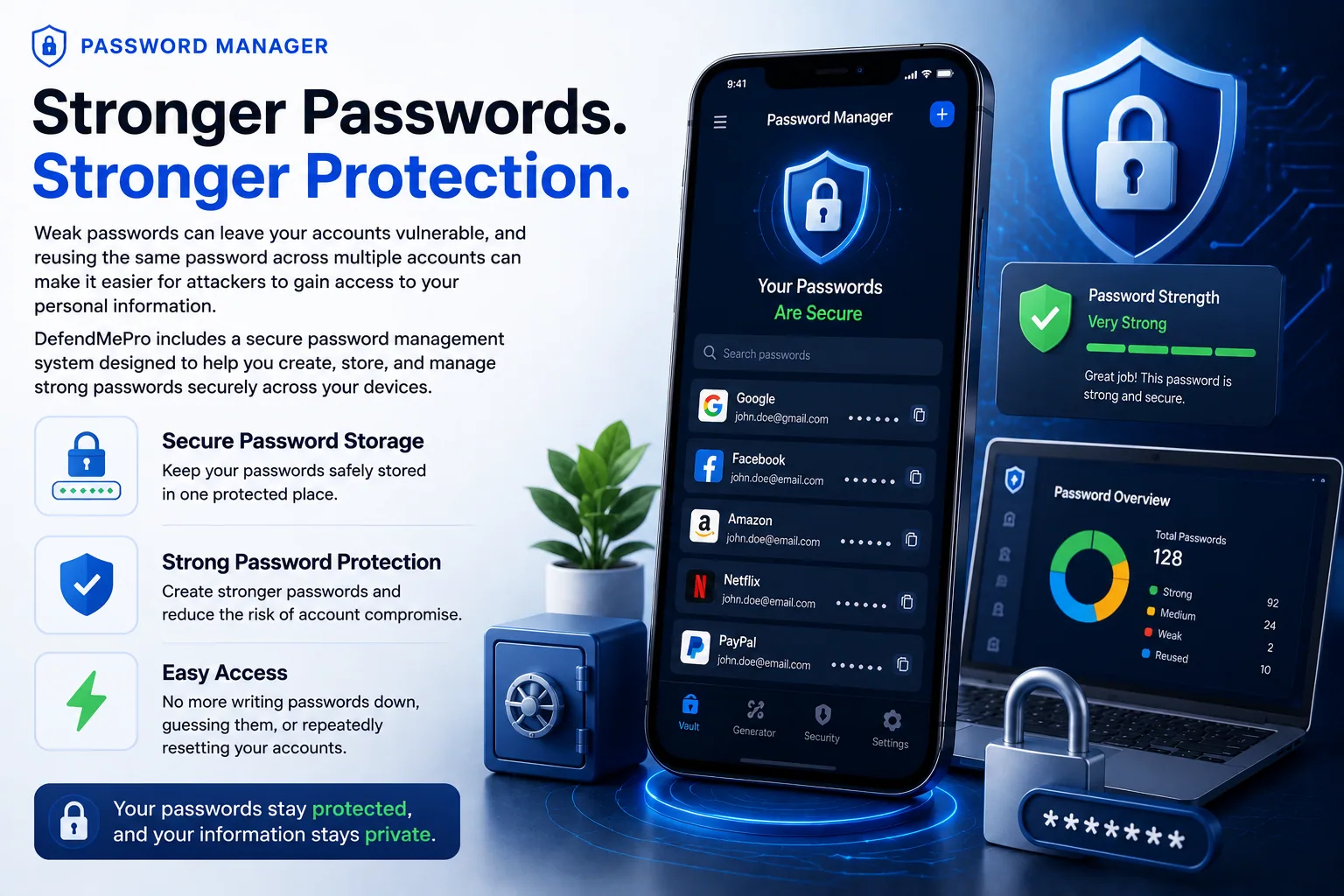
Passwords are the digital keys to your life. From bank accounts to social media, your entire identity online is protected by a string of characters. Sadly, weak or reused passwords are one of the biggest reasons seniors become victims of fraud. Today, cybercriminals have advanced hacking tools, but the good news is that with the right password habits, you can stay safe.
🔎 Why Password Safety Matters
Fraudsters don’t need to break into your home – they break into your accounts. A stolen password can let criminals:
• Access your online banking and transfer money.
• Read your emails and reset other account passwords.
• Steal your identity using your personal details.
• Blackmail you by exposing private information.
⚠️ Common Password Mistakes Seniors Make
• Using simple passwords like 123456 or password.
• Reusing the same password for multiple accounts.
• Writing passwords on sticky notes near the computer.
• Sharing passwords with friends, helpers, or even unknown callers.
• Using birthdays, anniversaries, or names of family members.
✅ Password Best Practices
• Length Over Complexity: Use at least 12–16 characters.
• Mix It Up: Combine uppercase, lowercase, numbers, and symbols.
• Unique for Every Account: Never reuse passwords across sites.
• Enable 2FA: Two-factor authentication adds an extra layer of safety.
• Password Manager: Use apps like LastPass, Bitwarden, or 1Password to securely store and generate strong passwords.
🔐 Example of Strong vs Weak Password
❌ Weak: Ram123 ✅ Strong: P@ssw0rd!Secure2025#
📞 Real-Life Story
Mr. Iyer, a 72-year-old retired teacher, used the same password for his Gmail and bank account. A hacker breached his email and then reset his bank password. Within hours, ₹1.5 lakh was withdrawn. If he had used unique passwords with 2FA, this could have been avoided.
📊 Statistics
According to a 2024 report, 80% of data breaches worldwide involved weak or reused passwords. Seniors are particularly vulnerable because they prefer easy-to-remember codes rather than complex ones.
❓ FAQs
Q: I forget passwords easily. What should I do? A: Use a password manager app – it remembers everything for you securely.
Q: Is writing passwords in a notebook safe? A: It’s safer than sticky notes near your computer, but best is to use a password manager. If you use a notebook, keep it locked away.
Q: Do I need different passwords for all accounts? A: Yes, at least for important accounts like banking, email, and social media. If one gets hacked, others should stay safe.
🔗 Related Reading
• 👤 Identity Theft Protection
• 📧 Phishing Emails & Fake Links
• 🛡️ Online Scam Guide
🚀 Final Words
Passwords are the first line of defense in today’s digital world. Seniors must treat them like house keys – never share, always lock properly, and replace them when they’re weak. By following these simple but powerful steps, you can shop, bank, and connect online without fear. A strong password today ensures your digital peace tomorrow.
Saffron Guru LLC · IT support and online protection since 2016 · Call +1 844-313-4987 · Contact us