
Saffron Guru browser protection
Scam Pop-up & Ad Blocker for Chrome and Edge
Built by people who have sat on the phone with real scam victims. We know the tricks, so we built a blocker that stops them.
Works in Google Chrome and Microsoft Edge on Windows and Mac.
Made for the scams that actually target people
Most blockers are made to hide ads. Ours is made to stop the tricks scammers use every day to get into your computer and your bank account.
Fake "your computer is infected" screens, blocked
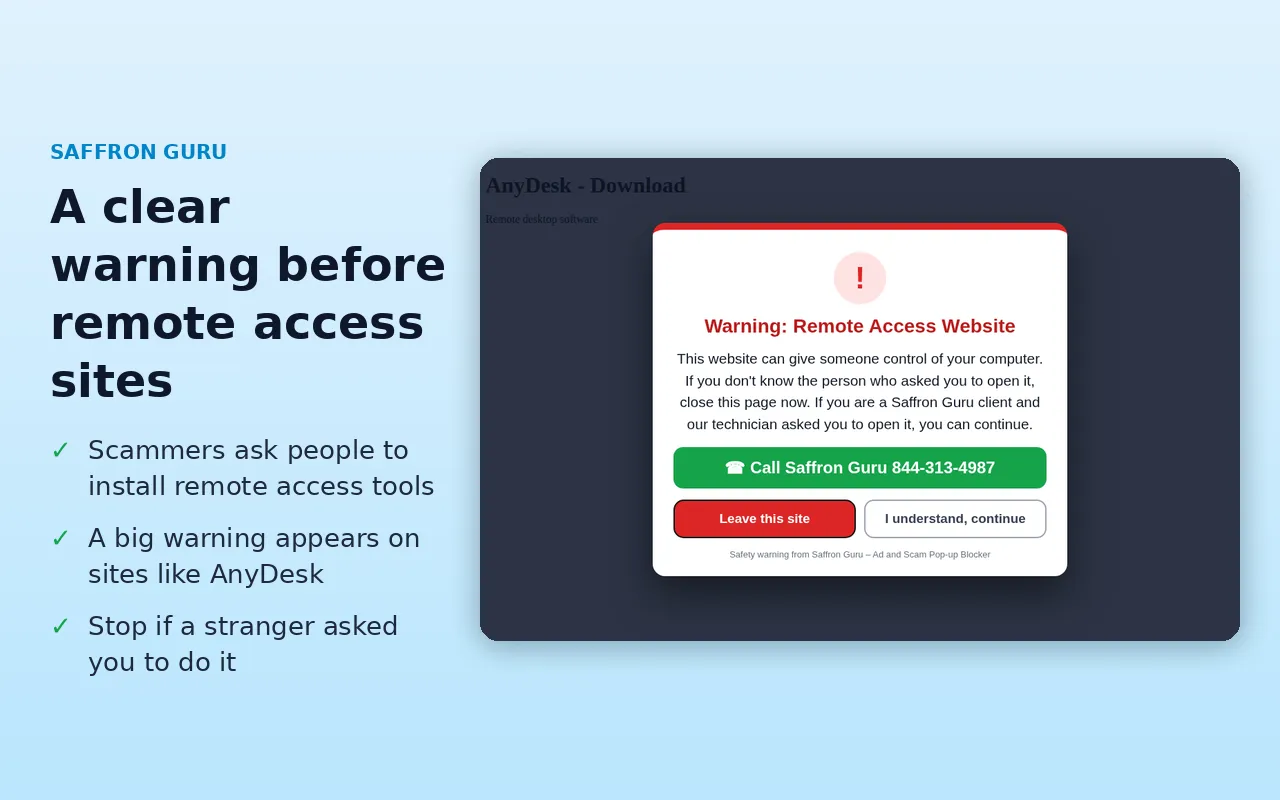
A clear warning before remote access
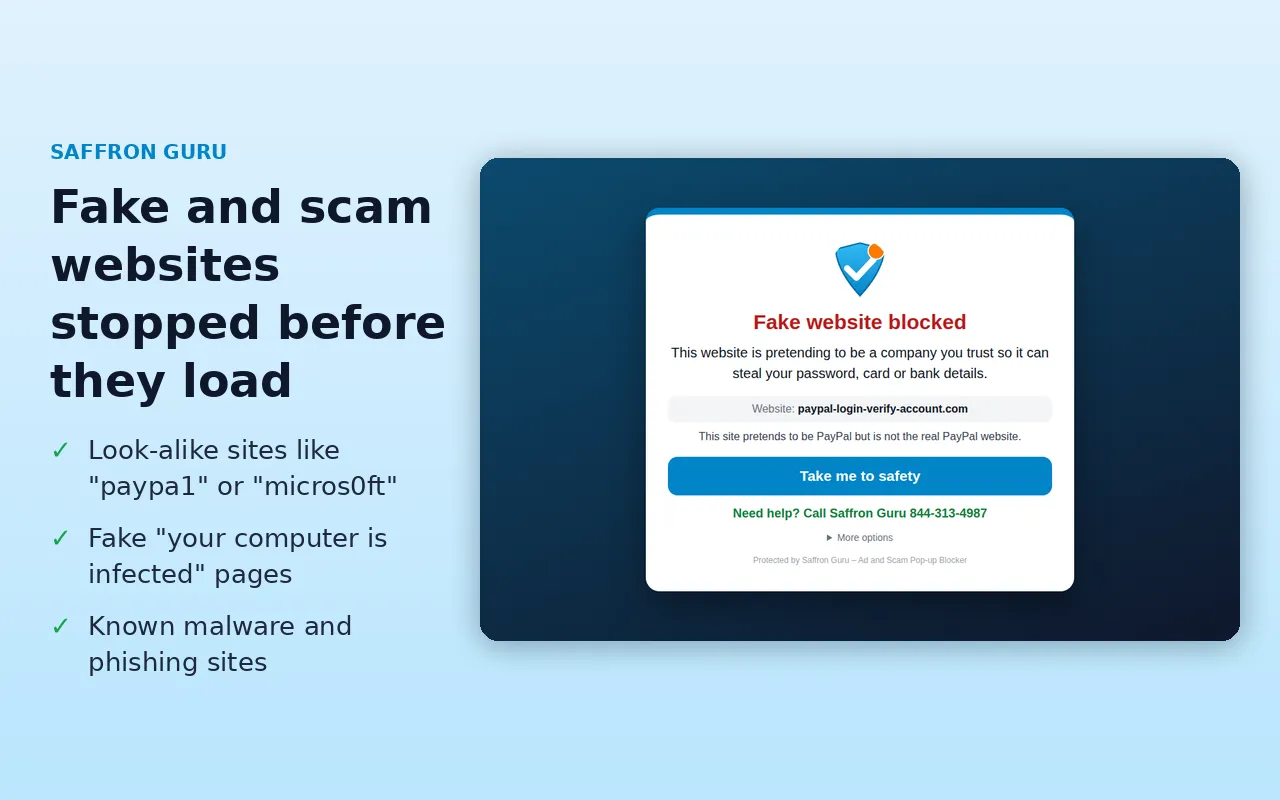
Phishing and malware websites stopped
Look-alike websites caught
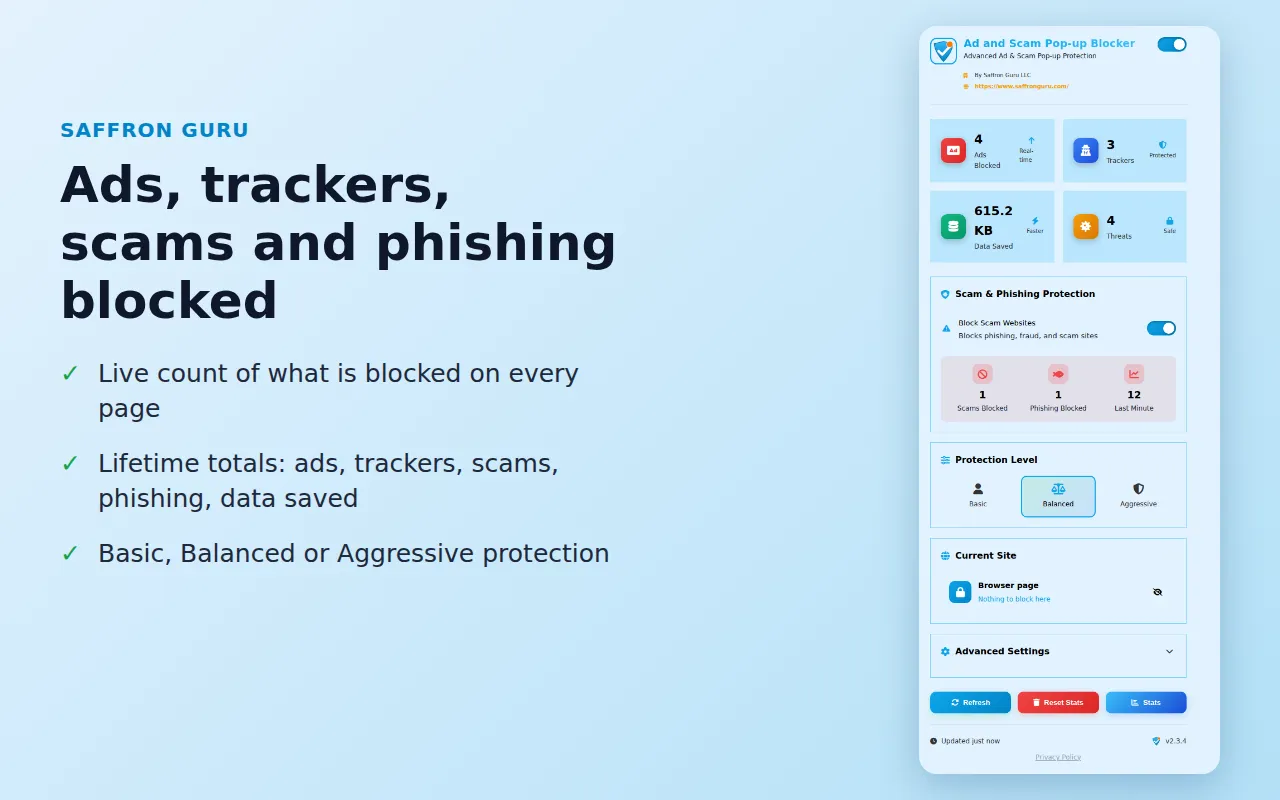
Ads, trackers and pop-ups gone
It also blocks
• Hidden crypto miners that secretly use your computer
• Websites nagging you to "Allow notifications"
• Fingerprinting and social media trackers
• Pop-unders that open behind your window
• Endless alert messages that won't let you leave a page
Help is one call away
When a dangerous site is blocked, the warning screen shows our number, so a real person can help you right then.
You stay in control
See what was blocked on every page, turn protection on or off with one switch, pick Basic, Balanced or Aggressive, and allow the sites you trust.
See it in action
Your privacy stays yours
• It doesn't collect, sell or share your personal data or browsing history.
• Everything stays on your own computer.
• It only downloads public lists of dangerous websites to keep you protected.
Read the full extension privacy policy.
Add it in two clicks
Click the button, then click "Add to Chrome" on the next page. In Edge, click "Allow" when it asks about other stores first.
Rather have us set it up for you? Call +1 844-313-4987
Want a real person watching out for you too? See DefendMe PRO™ Security Solutions.
Saffron Guru LLC · IT support and online protection since 2016 · Call +1 844-313-4987 · Contact us