Fake Bank Account Freeze Warnings Are Being Used to Trap Customers Bank Account Freeze Alert Scam
By Craig Hale • Jan 20, 2026 • Online Banking Fraud
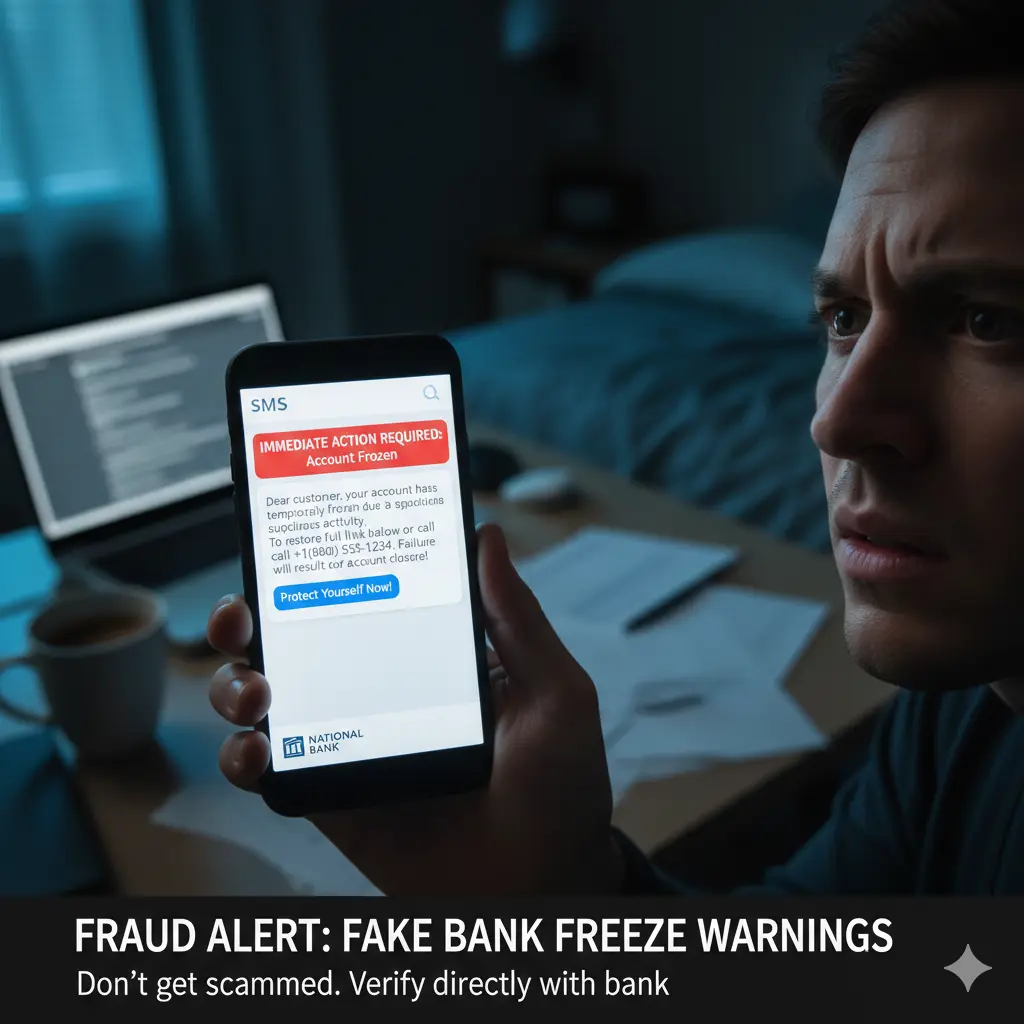
Cybercriminals are circulating fake bank alerts that falsely claim accounts have been frozen, pushing users into hurried decisions that lead to financial loss.
Security analysts have observed a steady increase in scam messages posing as official bank notifications. These messages inform recipients that their accounts have been restricted due to alleged suspicious activity.
By creating a sense of urgency, attackers encourage victims to respond immediately rather than verify the alert through legitimate banking channels.
How the Fraud Is Carried Out
The scam typically arrives via SMS or email that closely imitates official bank language, branding, and formatting.
• Alert claims an account has been temporarily frozen
• User is urged to confirm identity immediately
• Fake links or phone numbers are provided
• Sensitive details such as OTPs are requested
• Funds are accessed without authorization
One of the most damaging versions starts with a text message and continues with a phone call. A caller who says they are from the bank's fraud department already knows a few of your details and tells you that your savings are at risk. They then ask you to move your money to a new "secure" account. That account belongs to the criminals. A real bank will never ask you to move your money to keep it safe.
Warning Signs of a Fake Bank Alert
• The message says your account is frozen, locked or restricted and asks you to act within minutes or hours
• The link looks close to your bank's web address but is slightly different
• You are asked for a one-time code, PIN, password or your full card number
• A caller asks you to move money to a "safe" or "protected" account
• The message uses a general greeting such as "Dear Customer" instead of your name
• The text comes from an unknown number or the email comes from a personal address
What To Do If You Receive One
• Do not click any link and do not call any number in the message
• Open your bank's official app, or call the phone number printed on the back of your card
• If you already shared details, call your bank right away to lock the account and change your passwords
• In the United States, forward scam texts to 7726 (SPAM) and report the fraud at reportfraud.ftc.gov
• If you are unsure, stop and ask a family member or call Saffron Guru before doing anything
Banks do not request passwords, PINs, or one-time codes through unsolicited messages.
Verifying alerts directly through official banking apps remains the safest defense against such scams.
Related Articles
• Why Protecting Your Email Helps Protect Your Money, Identity, and Online Accounts
• Crypto Scams Are Getting Smarter. Here’s How to Stay Protected
• Why Antivirus Alone Is No Longer Enough to Protect Your Digital Life
Saffron Guru LLC · IT support and online protection since 2016 · Call +1 844-313-4987 · Contact us