🖥️ Fake Tech Support Scams – How to Stay Safe
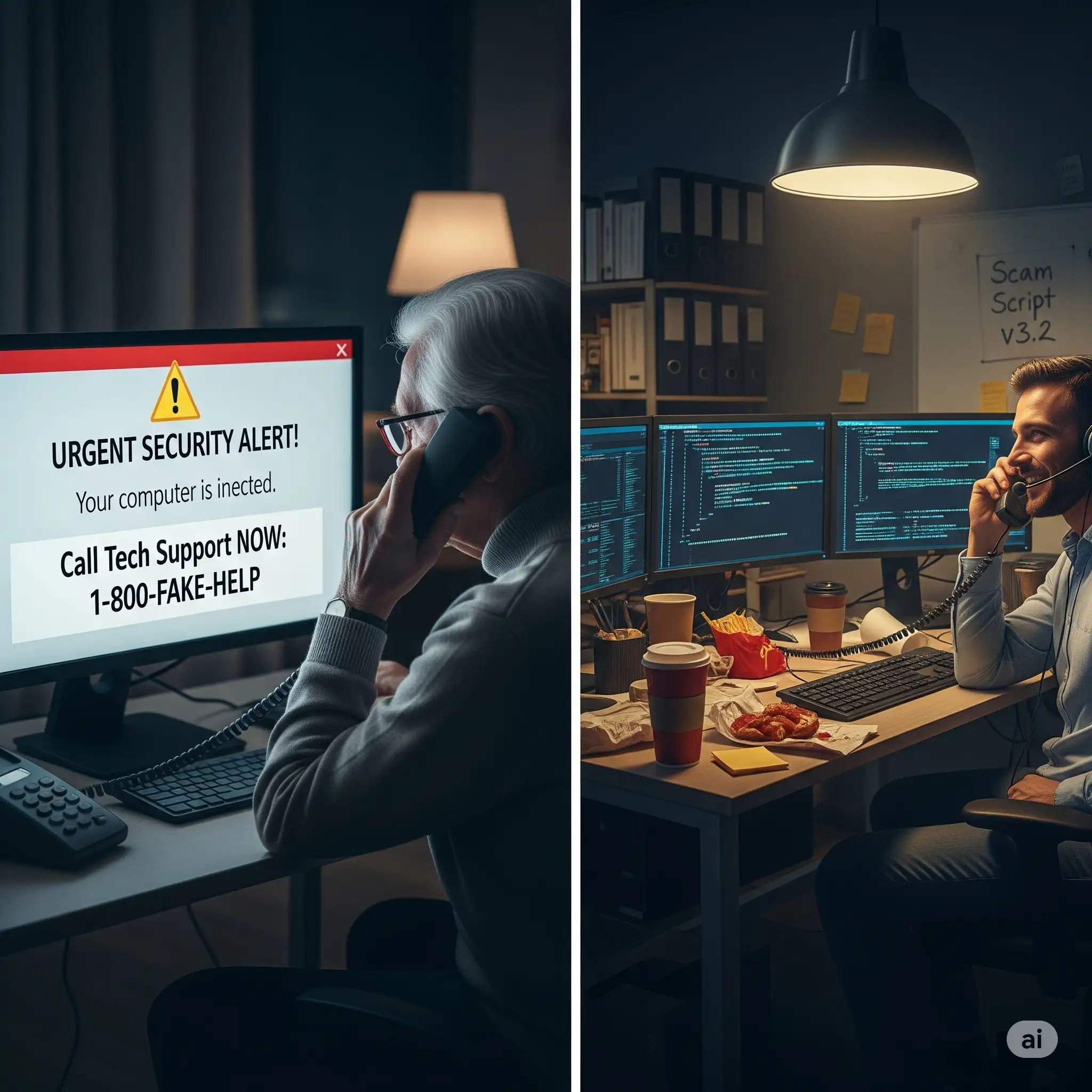
Tech support scams have been around for years, but today they have become more advanced. Fraudsters no longer just rely on pop-ups; they now use AI-generated voices, fake websites, and even cloned customer service numbers to trick people. Seniors are particularly at risk because scammers often scare them with messages like “Your computer is infected” or “Your bank account has been hacked.”
🔎 How Tech Support Scams Work
Here’s the typical playbook scammers follow:
• Fake Pop-Ups: A message suddenly appears saying your computer is at risk. It may play loud alarms or lock your screen.
• Scare Tactics: The pop-up shows a fake number claiming to be from Microsoft, Apple, or your bank.
• Phone Call Follow-Up: Scammers pretend to be “certified technicians” and say they need remote access.
• Remote Control: They ask you to install apps like TeamViewer or AnyDesk, giving them full control of your device.
• Payment Request: Once inside, they may install fake malware, demand payment for “fixing,” or steal sensitive information.
🚩 Warning Signs of Tech Support Scams
• Pop-ups with red screens, loud beeping sounds, or countdown timers.
• Calls claiming to be from “Microsoft Security” or “Apple Support.”
• Emails saying your device will be blocked if you don’t act fast.
• Requests to download remote access apps immediately.
• Demands for payment in gift cards, Bitcoin, or wire transfers.
✅ How to Protect Yourself
• Do not call numbers shown on pop-ups.
• Close the browser using Task Manager (Ctrl + Alt + Delete).
• Install real antivirus software and keep it updated.
• Contact official support via numbers on their official websites.
• Never allow strangers to control your computer remotely.
📞 Real-Life Example
A 72-year-old senior received a pop-up saying his computer had a virus and gave a number to call. When he called, the “technician” asked him to download remote access software. Within an hour, his bank details were stolen and $5,000 was withdrawn. Only after speaking to his grandson did he realize it was a scam. Quick family communication could have prevented the loss.
📊 The Rising Numbers
According to the U.S. Federal Trade Commission (FTC), tech support scams cost victims over $800 million in 2024, and the majority of victims were seniors aged 60+. In India, CERT-In (Computer Emergency Response Team) also recorded a sharp increase in such cases during 2023–2024.
❓ FAQs
Q: Are pop-up virus alerts ever real? A: No. Legitimate antivirus software updates quietly in the background. Pop-ups demanding urgent calls are fake.
Q: What if I already gave remote access? A: Disconnect your internet immediately, uninstall the software, and run a malware scan. Inform your bank if you entered sensitive details.
Q: Can Microsoft or Apple call me directly? A: No. These companies never initiate unsolicited calls to fix your device.
🔗 Related Reading
• 🛡️ Online Scam Guide
• 📧 Phishing Emails & Fake Links
• 📞 Spam Calls & Robocalls
🚀 Final Words
Tech support scams thrive on fear. The moment you see urgent warnings, pause and think: “Is this real?” Always verify through official channels, involve your family in decisions, and never rush into payments or downloads. Staying calm and cautious is the best defense against tech support scams.
Saffron Guru LLC · IT support and online protection since 2016 · Call +1 844-313-4987 · Contact us